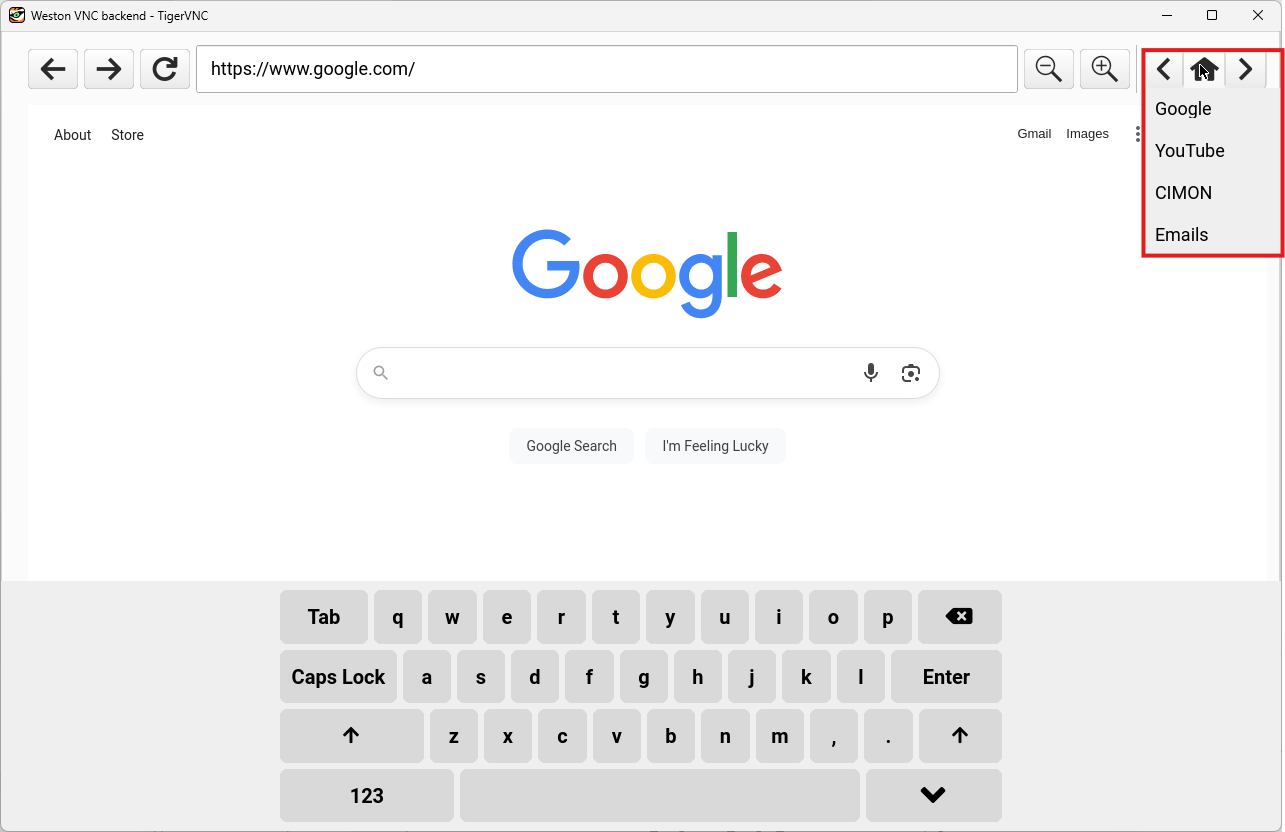
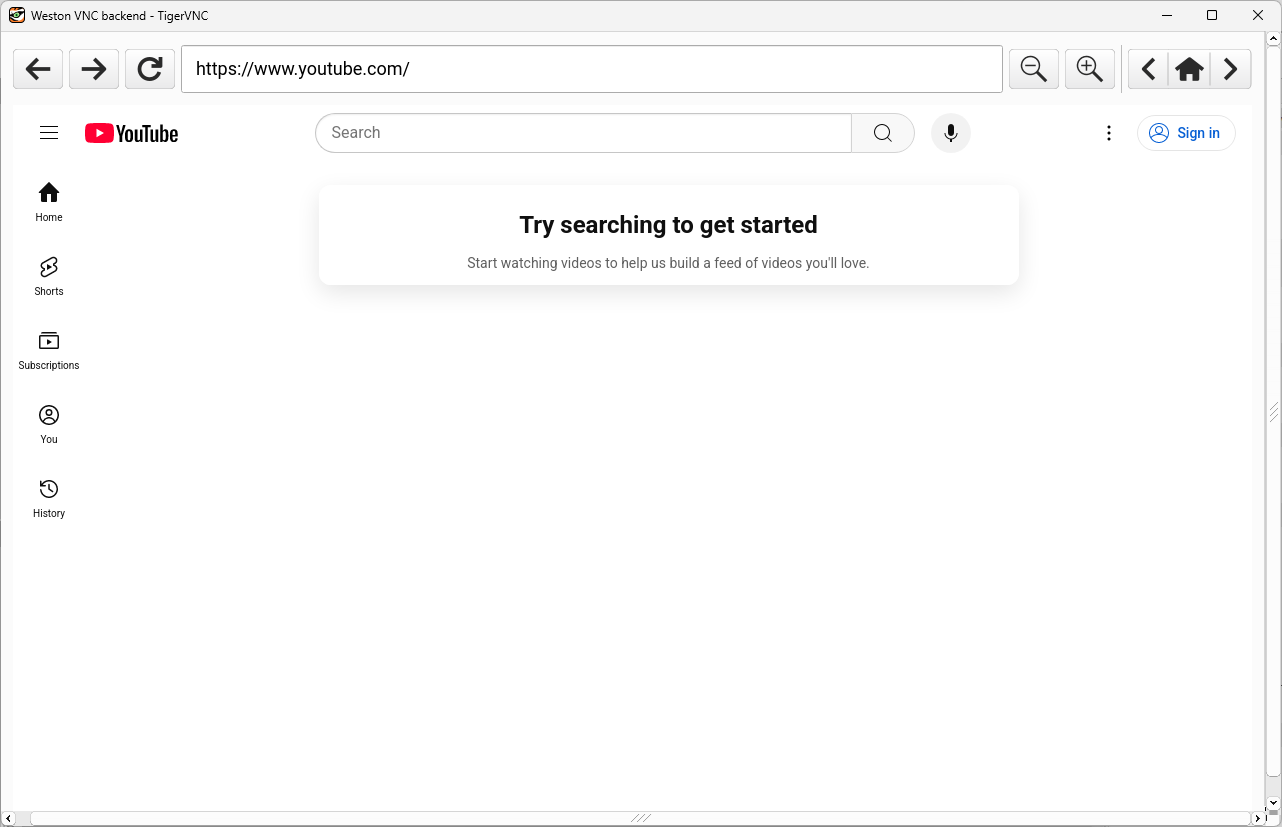
Exercise
Exercise: Using the Web Widget object
Please follow the below exercise to understand Web Widget functionality.
Configuration
The following configuration is used to set up this exercise.
Project Configuration
- Insert a new Web Widget object onto the screen.
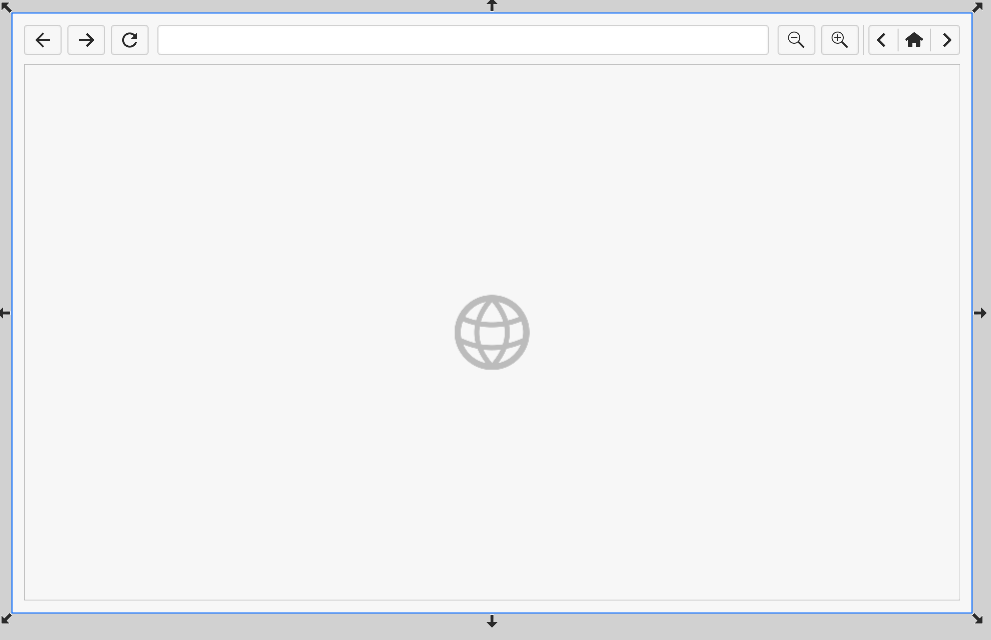
Web Widget Configuration
- In the Default URL property field, set the URL to https://google.com. This will be the default home address.
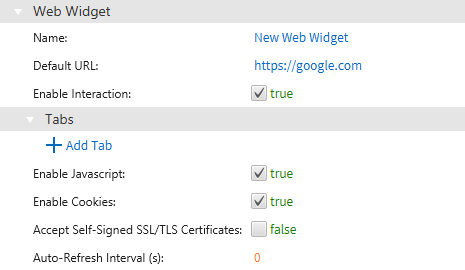
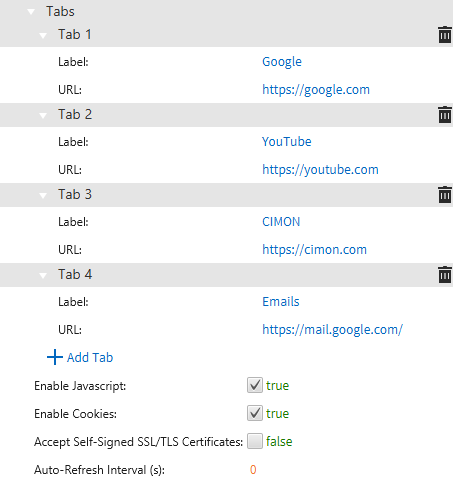
- Click the Add Tab button. Add a few different tabs with their specified Label and URL.
Project Deployment
-
Download the project to the HMI.
-
Ensure the HMI is connected to the internet using an Ethernet cable.
-
After deploying the project, the Web Widget simulates an internet browser.
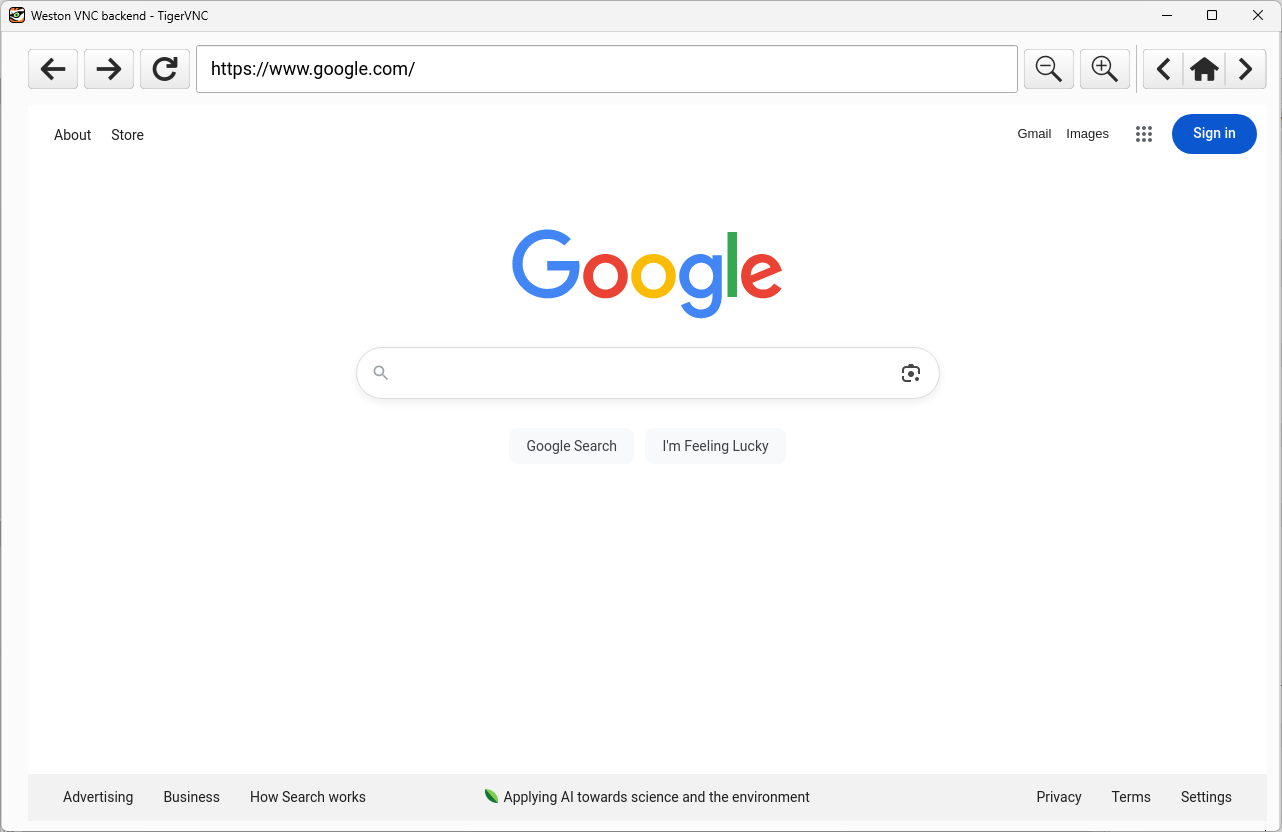
- Long-press the home icon, or click the arrow icons, to navigate between each tab created in step 3 above. Pressing the home icon will return to the Default URL specified in step 2 above.